


7. Examples#
Here is an example of a very simple program that makes a pick-and-place motion:
// Set reference frames
SetTrf(0, 0, 0, 0)
SetWrf(0, 0, 0, 0)

// Set motion parameters
SetCartLinVel(5000)
SetJointVel(100)
SetBlending(10)

// Fix robot configuration
SetConf(-1)

// Move to pick position
MovePose(120, -152.4, 50, 0)
MoveLin(120, -152.4, 24.6, 0)
MoveLin(120, -152.4, 50, 0)
MoveLin(120, 152.4, 50, 0)

// Move to drop position
MoveLin(120, 152.4, 24.6, 0)
MoveLin(120, 152.4, 50, 0)
MovePose(120, -152.4, 50, 0)

// For faster cycle times, use the command MoveJump
Figure 36 shows the result of four of the motion commands.
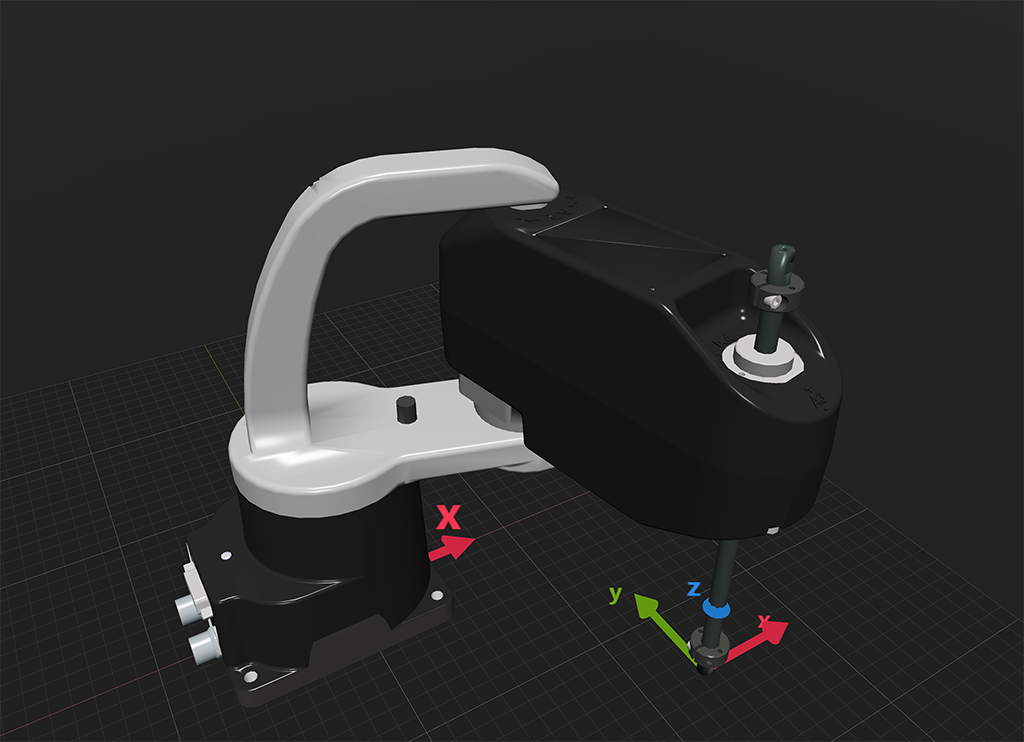 (a) MovePose(120, -152.4, 50, 0)
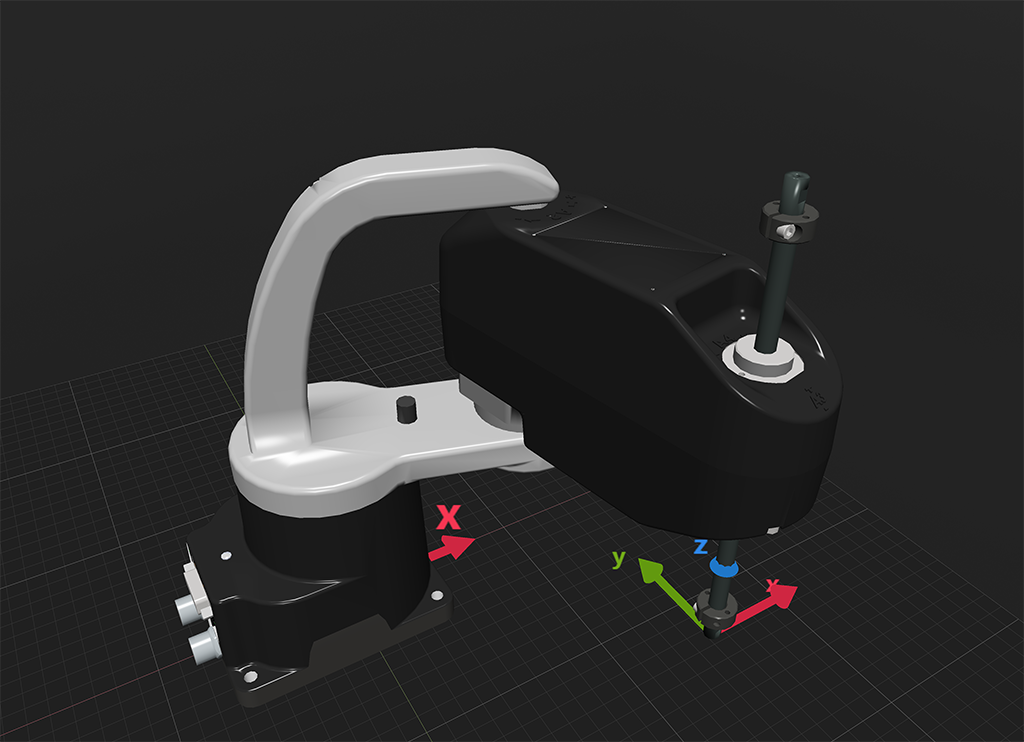 (b) MoveLin(120, -152.4, 24.6, 0)
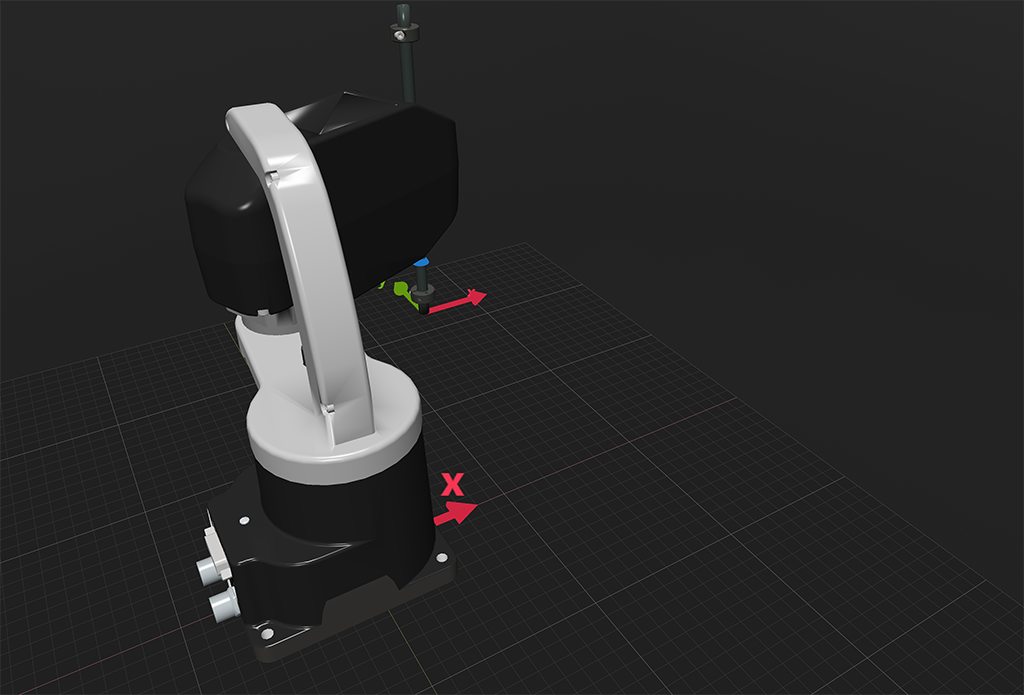 (c) MovePose(120, 152.4, 50, 0)
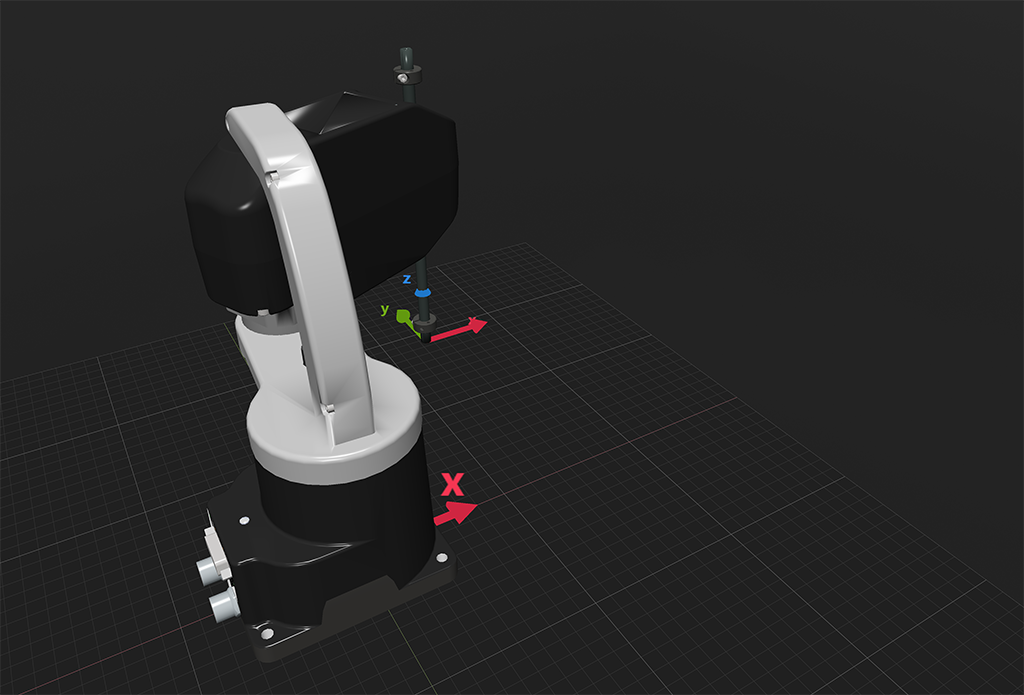 (d) MovePose(120, 152.4, 24.6, 0)
Figure 36 The four separate robot positions that define the motion sequence#